iCloud sync
Your budget, wherever your Apple ID is.
Bottomline uses iCloud to keep your budget available across Apple devices signed in to the same account. Sync is optional, restores come free with a new phone, and the data never sits on anyone’s server but Apple’s — under your account.

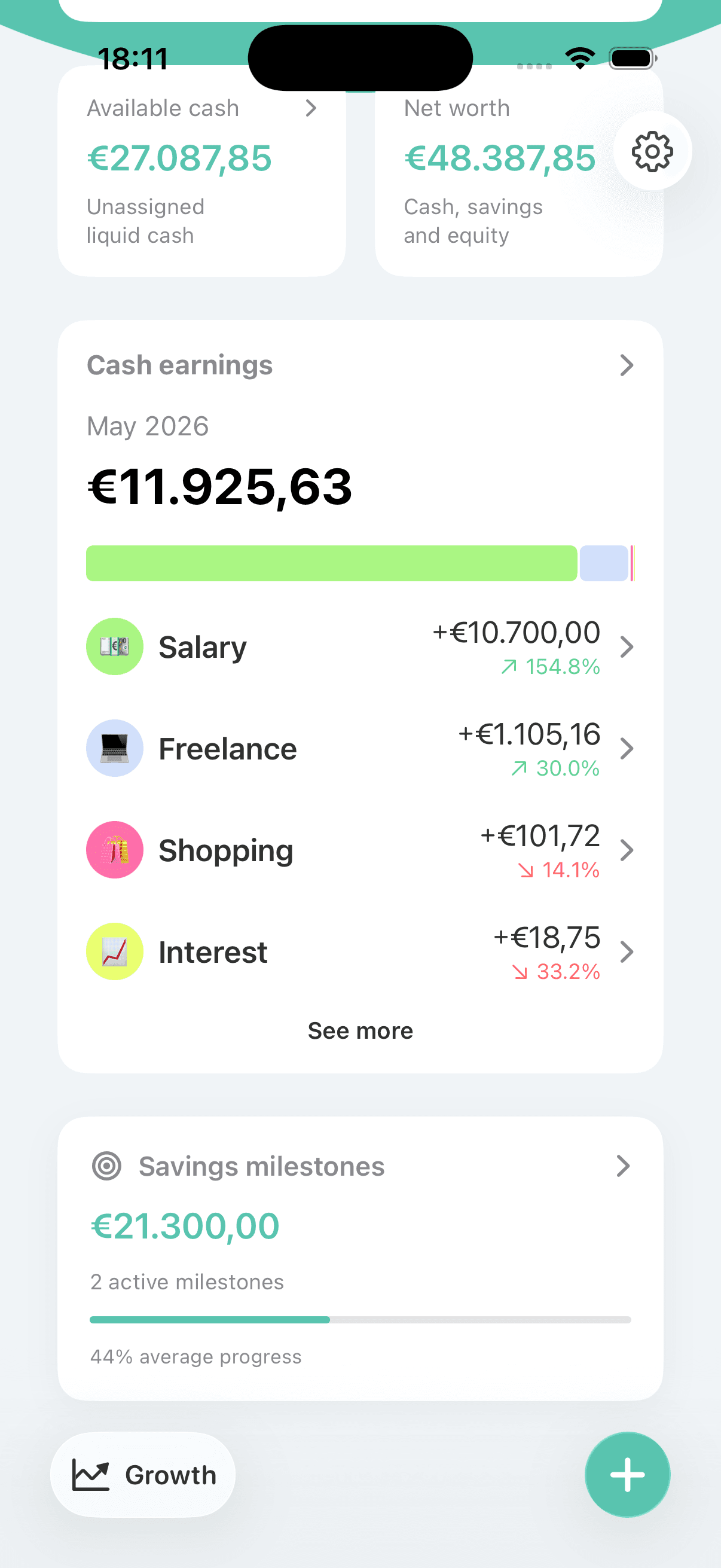
A budget trapped on one device is fragile
Log everything on your iPhone and it should be there when you pick up your iPad — or when you replace a phone that fell in a lake. Many apps solve this by copying your data to their own servers, which means trusting a company you’ve never met with your finances just to get continuity.
Sync the Apple way: through your own account
Bottomline syncs through your personal iCloud account. Your budget follows your Apple ID across devices, a new iPhone picks it up after sign-in, and the data stays in storage you already own and control. If you’d rather keep everything on one device, leave sync off — it’s a choice, not a requirement.
Built around your Apple account
Sync across your Apple devices
Enable iCloud sync and your budget is available on Apple devices signed in to the same iCloud account. Log lunch on your iPhone, review the month on your iPad — same data, no manual transfer.
New-phone peace of mind
With sync enabled, replacing or losing a phone doesn’t mean losing months of entries. Sign in to iCloud on the new device and your budget history comes back with it.
Optional, not mandatory
Sync is something you turn on, not something the app demands. The privacy policy describes iCloud as used if enabled — keep everything on one iPhone if that’s how you prefer it.
Your iCloud, not a third-party server
There’s no Bottomline cloud. Synced data lives in the iCloud storage attached to your Apple ID, which means continuity across devices without adding a new company to your trust list.
The same manual workflow everywhere
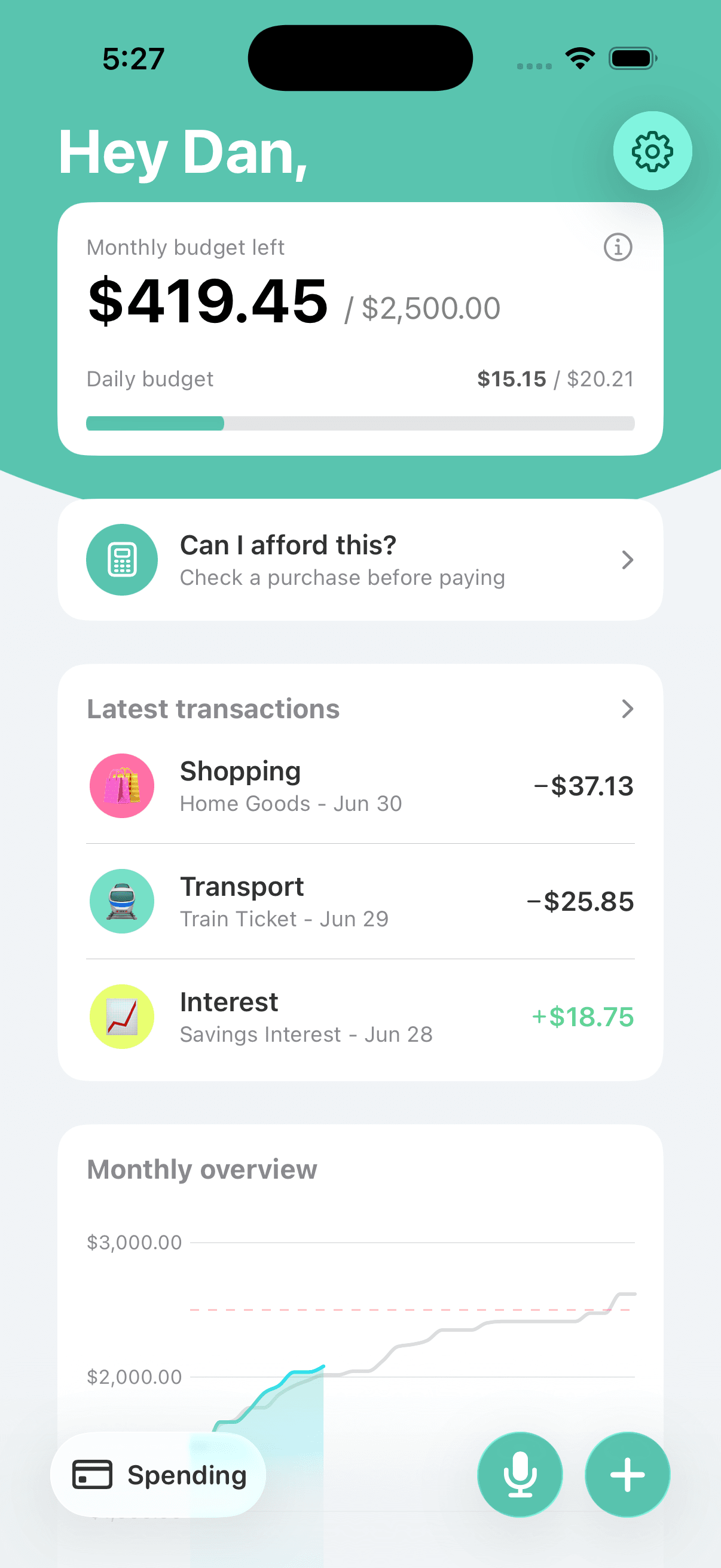
Sync doesn’t change how Bottomline works — three-tap entries, recurring expenses, and your daily budget behave identically on every device. iCloud just makes sure they all agree.
Continuity without a new account
Your goals and history follow your Apple ID, so progress made on one device is waiting on the next.
Frequently asked questions
Is iCloud sync required to use Bottomline?
No. Bottomline works fully on a single iPhone with sync off. iCloud sync is there for people who use multiple Apple devices or want the reassurance of a backup that survives a lost phone.
Where exactly is my synced data stored?
In the iCloud storage belonging to your own Apple ID. The privacy policy says financial data is stored on-device and, if enabled, in your personal iCloud account — there is no separate Bottomline server in the chain.
What happens when I get a new iPhone?
If sync was enabled, sign in to the same iCloud account on the new phone and install Bottomline — your budget, history, and recurring expenses come along. It’s the same mechanism that restores your photos and notes.
Which devices does sync cover?
Apple devices signed in to the same iCloud account. Bottomline is an iPhone app from the App Store; there is no Android or web version, so sync is about continuity within the Apple ecosystem.
Do I need to create a Bottomline account for sync?
No separate account is involved — sync rides on the Apple ID you’re already signed in with. That’s the appeal of doing it through iCloud: one less login, one less company holding your data.
Related Bottomline pages
Take your budget to every Apple device you own.
Download Bottomline and let your personal iCloud account handle the syncing — no new logins, no third-party servers.