Your finances probably don't feel disorganized because you're careless. They feel disorganized because money is scattered. One bill is on autopay, another lands in email, subscriptions hide in app stores, and the budget you meant to keep lives half in your head and half in your Notes app.
That's why a simple manual system works so well, especially on iPhone. You don't need more dashboards. You need one place to see what matters, a repeatable habit for recording spending, and a plan you'll still follow when life gets busy.
A lot of advice about how to organize finances assumes you're happy to link bank accounts to an app and let automation handle the rest. Many people aren't. A 2025 NEFE study found that 38% of adults avoid financial apps due to data-sharing concerns, yet only 12% of budgeting guides address manual tracking workflows or privacy-first budgeting. That gap matters if you want control without handing over your financial data.
Table of Contents
- Map Your Financial Starting Point
- Gather everything before you judge anything
- Build one clear snapshot
- Set Clear Goals and Create Your Budget
- Turn vague hopes into written targets
- Use the 50 30 20 framework without forcing it
- Adopt a Privacy-First Manual Tracking Habit
- Why manual tracking works better than people expect
- A fast iPhone workflow you'll actually keep using
- Systematize Bills, Subscriptions, and Debt
- Run a real subscription audit
- Put bills on a schedule you can see
- Choose a debt payoff order once
- Build Your Financial Review Cadence
- Your weekly check-in
- Your monthly and quarterly review
- Common Budgeting Roadblocks and How to Overcome Them
- When income changes month to month
- When the budget breaks
Map Your Financial Starting Point
Sunday night is when this usually shows up. You open your banking app on your iPhone, check one balance, then another, then remember a credit card bill, a subscription charge, and a savings account you have not looked at in months. Nothing is clear enough to make a good decision. That confusion is the starting problem.
Organizing your finances starts with a plain inventory. No bank linking. No dashboard. Just one manual record that shows what you earn, what you spend, what you own, and what you owe.
Gather everything before you judge anything
Set aside 30 to 45 minutes and collect the raw numbers first. Use your iPhone if that is where you already manage money. A note in Apple Notes, a folder in Files, or a simple spreadsheet works fine. The tool matters less than whether you can review it without hunting through six apps and twelve logins.
Pull together these basics:
- Cash accounts: checking, savings, and cash on hand
- Debt accounts: credit cards, student loans, auto loans, and personal loans
- Bills: rent or mortgage, utilities, insurance, phone, and internet
- Savings and investments: retirement accounts, brokerage accounts, and education savings
- Income records: pay stubs, freelance payments, side income, and benefits
- Recent transactions: the last two to three months of statements from your main spending accounts
Keep this pass factual.
Do not sort expenses into perfect categories yet. Do not decide which subscriptions deserve to stay. Do not start rewriting your budget before you know the full picture. Manual tracking works best when you separate collecting from judging. That keeps you from making decisions based on memory, which is how people miss irregular bills, annual renewals, and slow credit card creep.
If you want a budgeting framework after you have the numbers in front of you, this guide on how to build a budget that actually sticks is a useful next step.
Build one clear snapshot
Once you have the documents, condense everything into a one-page snapshot with four lines:
| Area | What to write down |
|---|---|
| Money in | Your regular monthly take-home income |
| Money out | Your regular monthly spending and bill total |
| What you own | Cash and investment balances |
| What you owe | All debts and current balances |
Then calculate two numbers.
First, cash flow. Subtract monthly spending from monthly take-home pay. A positive number means you have money available to direct. A negative number means the first job is to close the gap before you chase bigger goals.
Second, net worth. Add up what you own and subtract what you owe. This number is not a verdict on how well you are doing. It is a starting marker. I tell clients to treat it like a pin on a map. You need the pin before you choose the route.
A useful snapshot should also answer a few practical questions:
- Which bills are fixed every month?
- Which spending categories change the most?
- Which debts cost the most in interest?
- Which accounts are inactive, duplicated, or confusing?
- Which recurring charges need a second look?
This is a common gap. Many households operate without a written financial plan, which is one reason money starts to feel reactive. Writing down a snapshot changes that. You stop relying on scattered app balances and start working from one record you control.
That privacy-first, manual approach is slower at the start. It is also clearer. You see the full picture without handing your account access to another platform, and you build the habit of checking your numbers yourself.
Clarity lowers stress fast. “I am bad with money” is vague and hard to fix. “My grocery spending swings by $250, I forgot two annual charges, and one card balance is growing” is specific, and specific problems are easier to handle.
Set Clear Goals and Create Your Budget
A budget works best when it answers one simple question. What is this money supposed to do for you this month?
Without that answer, the budget turns into a list of limits. People get discouraged fast when every category feels like restriction with no clear payoff. Written goals fix that because they tell you what trade-offs are worth making.
Turn vague hopes into written targets
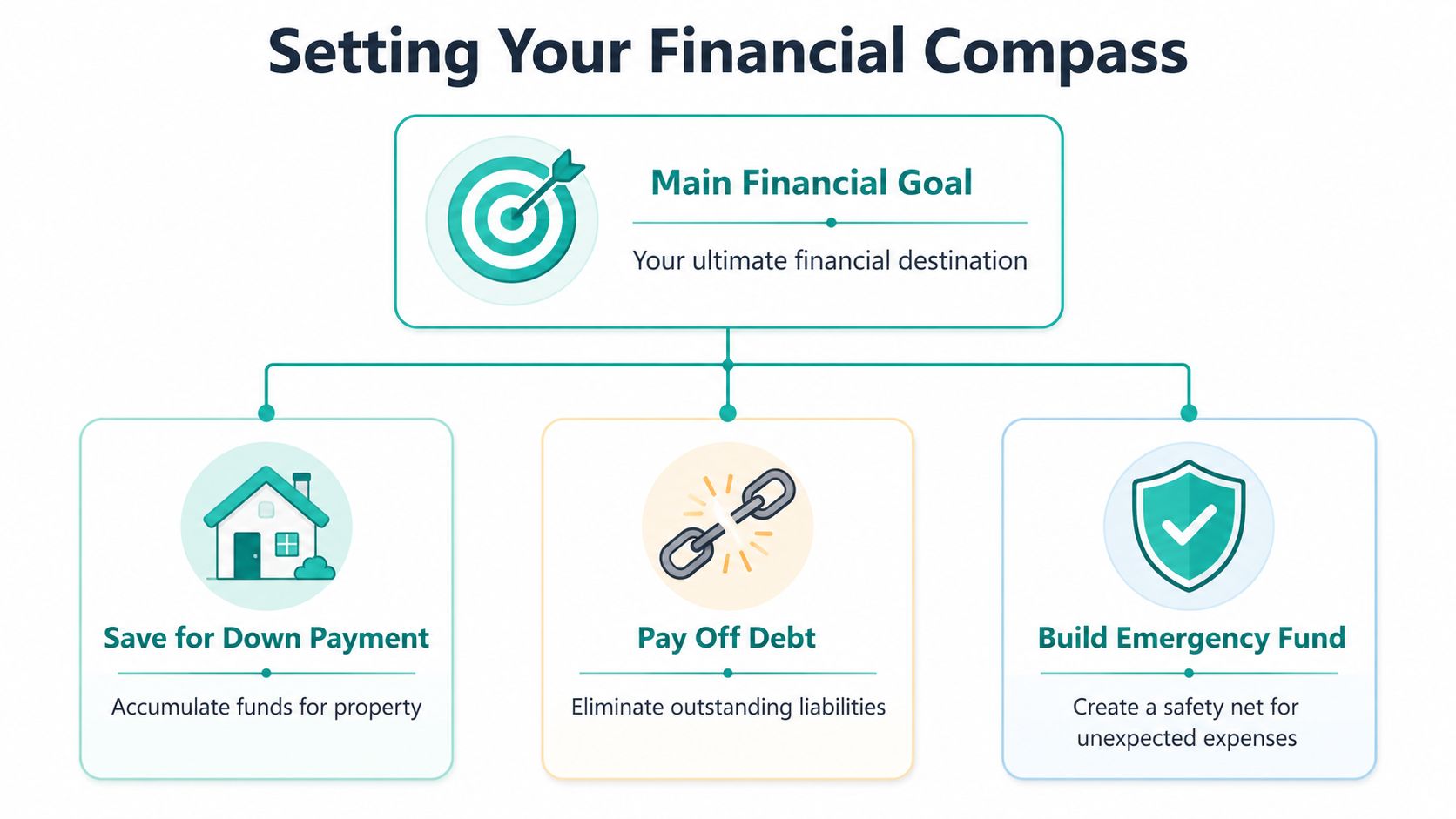
Set one primary goal and no more than two supporting goals. More than that, and the month gets crowded. I have seen people try to pay off debt, build savings, invest more, save for travel, fund holidays, and renovate a kitchen at the same time. The result is usually frustration, not progress.
Examples of strong goals include:
- save for a home down payment
- pay off credit card debt
- build an emergency fund
- prepare for a planned move
- stop relying on credit for irregular expenses
Write each goal in plain language, either in a note on your iPhone or in the same spreadsheet or notebook where you track spending manually. Keep it visible. Privacy-first budgeting only works if your record is clear enough to guide decisions without needing linked accounts or constant app alerts.
A useful goal includes:
- What it is: the exact outcome
- Why it matters: your reason for caring
- What gets funded first: savings, debt, or stability
- What must change: the spending behavior that supports it
If you want a practical framework for making the numbers hold up in daily life, this guide on building a budget that sticks is a useful companion.
Use the 50 30 20 framework without forcing it
The 50/30/20 budget is a good starting structure because it is simple to remember and easy to check by hand. It puts 50% of income toward needs, 30% toward wants, and 20% toward savings and debt repayment, based on this guide to creating an effective personal financial plan.
That framework is useful because it gives you a first draft. It does not need to match your life perfectly on day one.
Here is what the buckets usually include:
- Needs include housing, utilities, groceries, insurance, transportation, and minimum debt payments.
- Wants include dining out, entertainment, impulse purchases, hobbies, and upgrades.
- Savings and debt repayment include extra debt payments, emergency fund contributions, and goal-based transfers.
Use those percentages as guide rails, not a scorecard. A renter in a high-cost city may spend far more than 50% on needs. Someone clearing high-interest debt may put much more than 20% toward repayment for a season. The point is to make those adjustments on purpose, write them down, and review them manually instead of guessing from your bank balance.
> A budget should reflect your actual life first, then improve it gradually.
A quick example makes this easier to see. If your monthly take-home pay is $4,000, the framework would suggest:
| Budget bucket | Monthly amount |
|---|---|
| Needs | $2,000 |
| Wants | $1,200 |
| Savings and debt repayment | $800 |
Do not get stuck trying to make the split look perfect. Pick a structure, assign your dollars, and track against it consistently. For iPhone users keeping a manual, privacy-first system, that consistency matters more than fancy automation ever will.
Adopt a Privacy-First Manual Tracking Habit
Automation is convenient. It's also overrated for behavior change.
When people link accounts and let transactions pour in automatically, they often confuse data collection with attention. The app knows where the money went. The user still doesn't.
Why manual tracking works better than people expect
Manual entry creates a pause between spending and forgetting. That pause matters. It forces you to name the expense, assign it to a category, and see whether it fits the month you planned.
That's one reason a privacy-first system is practical, not just philosophical. You stay closer to the money, and you don't have to hand over bank credentials to make the system work.
The strongest case for this approach isn't tech. It's habit design.
Manual tracking helps because it does three things at once:
- Builds awareness: you notice small purchases before they blur together
- Creates friction: impulse spending feels more visible when you have to record it
- Protects privacy: you can keep a working budget without linking accounts
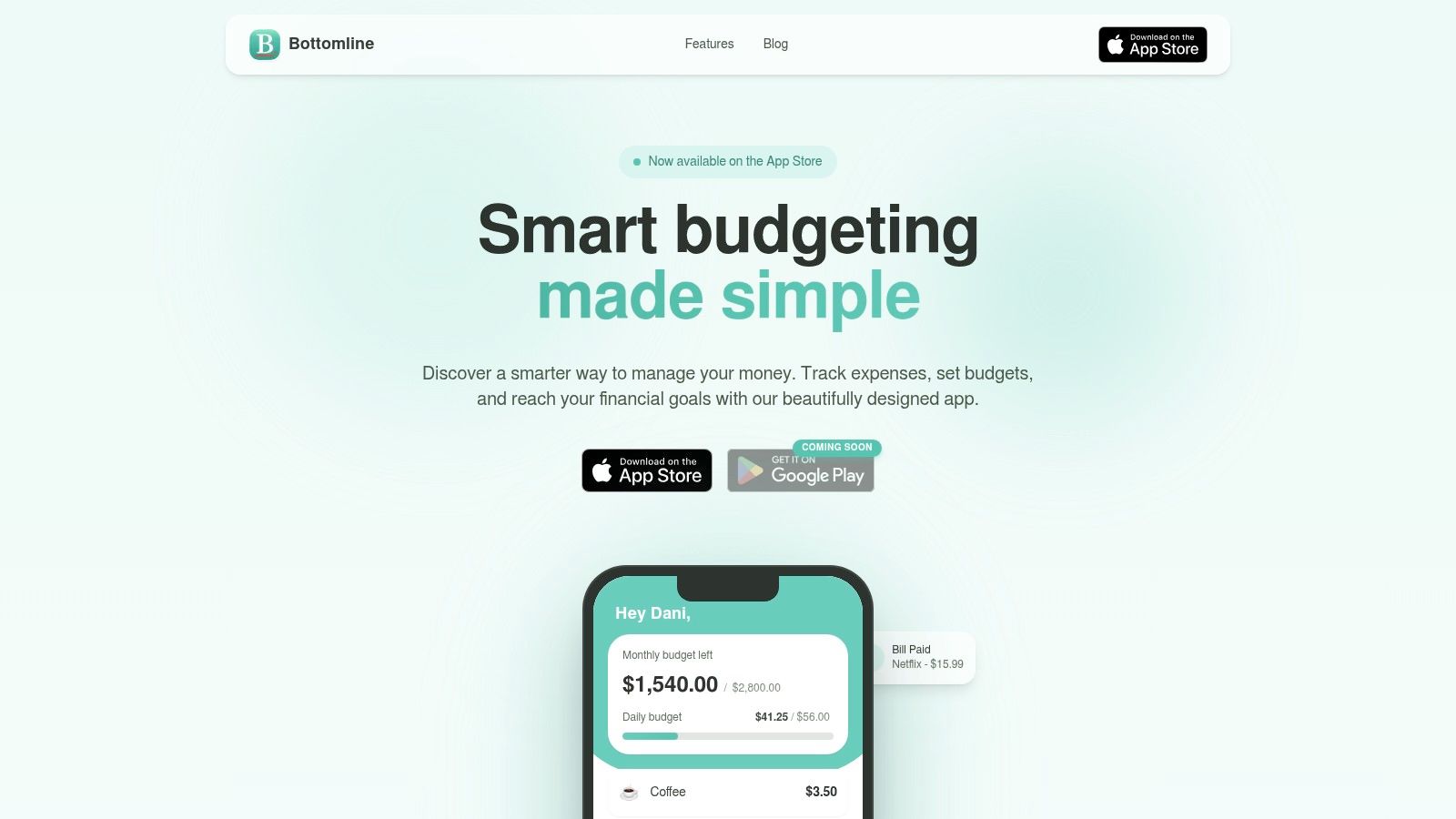
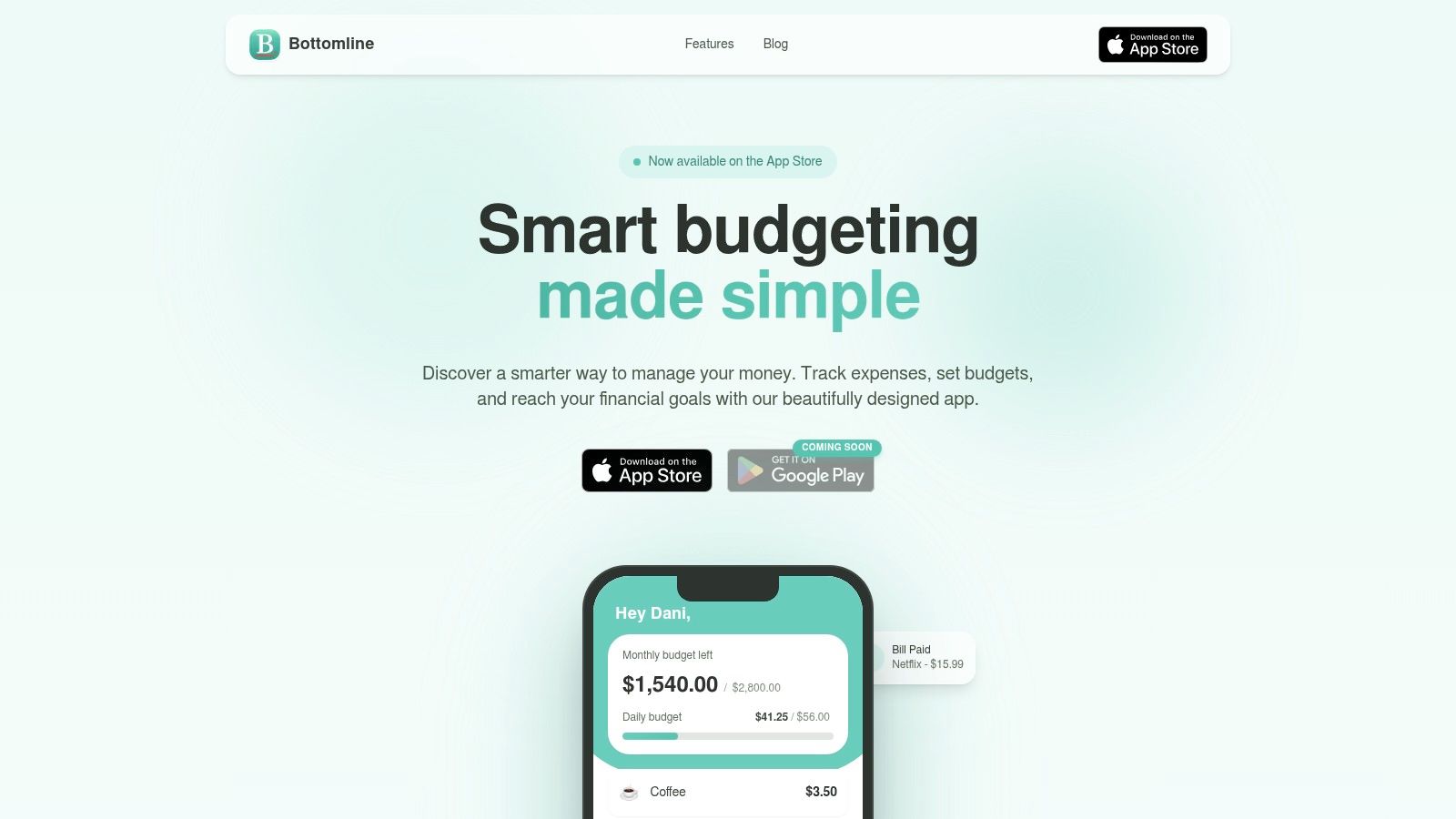
If you want an iPhone-specific tool built around that style, Bottomline's manual expense tracker for iPhone shows the workflow clearly. It focuses on manual entry, recurring expense tracking, and iCloud sync rather than bank aggregation.
A fast iPhone workflow you'll actually keep using
The best manual system is short enough to survive a normal Tuesday. If entering an expense feels like admin work, you'll stop.
Use this workflow:
- Open your budget app right after paying.
- Enter the amount immediately.
- Choose the category.
- Add a short note only if needed.
- Close the app and move on.
That's it.
You don't need merchant logos, receipt uploads, or perfect tags. You need consistency. A three-tap process beats a complex system you avoid.
Here's the part often overlooked. Manual tracking does not mean manual everything. You can still simplify the system:
- Keep categories broad: groceries, dining, transport, subscriptions, household, debt
- Use recurring entries for fixed costs: rent, phone, insurance
- Review cash spending the same day: don't wait until the weekend
- Use one device as home base: if you're on iPhone all day, keep the system there
> The point of tracking is not to produce beautiful reports. It's to make the next decision better.
For privacy-conscious users, this approach also solves a trust problem. You don't have to wonder what's being shared with aggregators, whether categories imported correctly, or why a pending charge showed up twice. You enter what matters. You ignore the noise.
And there's a psychological benefit. When you manually record spending for a few weeks, you stop saying “I have no idea where my money goes.” You know. Maybe not perfectly, but clearly enough to act on it.
That clarity is what makes manual tracking worth the extra taps.
Systematize Bills, Subscriptions, and Debt
Friday night looks affordable until three renewals hit on Saturday, the credit card minimum posts on Monday, and a buy-now-pay-later payment lands midweek. The problem usually is not one reckless purchase. It is a scattered system.
For iPhone users who do not want bank linking, the fix is simple. Keep one manual list of recurring obligations, one visible due-date system, and one clear debt payoff order. If a charge can leave your account without your attention, it needs a place in that system.
Start with recurring charges.
A 2025 article from NCOA on building money management skills among underserved populations points to subscription fatigue as a common money drain. That matches what I see in practice. People rarely get into trouble because of one giant streaming bill. They get worn down by six or seven small charges they stopped noticing.
Run a real subscription audit
Use your last 60 to 90 days of checking, credit card, and App Store purchase history. Write down every recurring charge in one note, spreadsheet, or budgeting app. Monthly services are easy to spot. Annual renewals, cloud storage upgrades, and app subscriptions are the ones people miss.
Sort each item into three groups:
- Keep: you use it, you still want it, and the price feels fair
- Review: you use it inconsistently, share it, or could replace it
- Cancel: you forgot about it, duplicated it, or would not sign up again today
A quick filter helps:
| Question | If the answer is no |
|---|---|
| Did I use this in the last month or two? | cancel it or pause it |
| Would I willingly renew it at today's price? | remove it |
| Does it support a current priority? | cut it |
| Do I know the renewal date and payment source? | add it to your bill list |
Keep renewal dates visible before they hit. On iPhone, that can be as basic as a monthly reminder in the Reminders app or a pinned note with the next renewal month beside each service. Fancy subscription dashboards are optional. Awareness is not.
If you want a step-by-step checklist, this guide on how to do a subscription audit explains the process clearly.
Put bills on a schedule you can see
Bills create stress when due dates are scattered and hidden. Clean that up manually.
Make a simple bill sheet with five columns:
- Bill name
- Amount
- Due date
- Payment method
- Autopay or manual
Then make two decisions.
First, use autopay for fixed bills you trust, such as rent, phone, or insurance. Second, keep variable bills and anything that has caused overdrafts on manual review. That trade-off matters. Autopay reduces missed payments, but it can also hide rising charges and drain an account at the worst time if your cash buffer is thin.
I usually prefer this setup:
- Fixed, predictable bills on autopay
- Variable bills checked manually before payment
- All due dates copied into one iPhone calendar or reminder list
- A few bills grouped near payday when providers allow date changes
Grouping due dates is underrated. Fewer bill windows means fewer chances to forget one.
Choose a debt payoff order once
Debt gets easier to manage when every balance is on one list. Include the lender, balance, minimum payment, interest rate, and due date. Then choose your payoff method and stop rethinking it every month.
The two common options are:
- Avalanche method: pay extra toward the highest-interest debt first
- Snowball method: pay extra toward the smallest balance first
Avalanche usually saves more in interest. Snowball usually creates faster visible wins. I have seen both work. The better method is the one you will still follow in a frustrating month, not just in an optimistic one.
If you are motivated by progress, start with snowball. If high-interest debt is squeezing your budget, start with avalanche. Either way, keep making minimum payments on every debt and direct all extra money to one target at a time.
A practical system for bills and debt looks like this:
- Keep one current list of every bill, subscription, and debt payment.
- Review upcoming due dates before the week starts.
- Pay extra on one debt only, not three at once.
- Record each extra payment so the balance drop is visible.
- Recheck subscriptions whenever a card changes, a free trial ends, or annual renewals approach.
A short video can help if you want a visual walkthrough of organizing recurring costs and budgeting habits:
Simple systems hold up better than complicated ones. If you can see what is due, what is renewing, and which debt gets the next extra dollar, your finances get easier to run.
Build Your Financial Review Cadence
A budget only works if you revisit it before the month disappears. Constant tracking is often unnecessary. What's needed is a review rhythm that catches drift early.
Your weekly check-in
Keep the weekly review short. Ten minutes is enough if your transactions are already recorded.
Ask:
- What did I spend this week that surprised me?
- Am I still within the categories that tend to drift?
- Do I have any charges coming up before payday?
- Did I record everything, including cash and small purchases?
This check-in is not for rewriting the whole plan. It's for course correction. If dining out ran high this week, you can respond before it turns into a month-end mystery.
> Small reviews prevent large cleanups.
Use one note, one app, or one spreadsheet. Don't split the review across several places.
Your monthly and quarterly review
The monthly review is where you compare your plan to reality. Sit down with your spending record, bills, and goal progress. Then decide what changes next month needs.
Focus on these areas:
- Budget accuracy: were your categories realistic or too optimistic?
- Goal progress: did savings, debt payoff, or emergency reserves move forward?
- Recurring costs: did any subscriptions renew or increase?
- Upcoming expenses: travel, gifts, annual fees, school costs, repairs
- Stress points: which category keeps failing, and why?
Quarterly, step back further. Review whether your accounts are still serving a clear purpose, whether your goals changed, and whether your budget still reflects your real life. A system that worked during one season may need adjusting in another.
If you want to know how to organize finances for the long run, this is the answer many skip. They build the plan once and never maintain it. The review is the maintenance.
Common Budgeting Roadblocks and How to Overcome Them
You sit down to check your money on your iPhone, and the plan that looked clean two weeks ago now looks messy. A bill hit early. Groceries ran high. Income came in lighter than expected. That does not mean your system is broken. It means real life showed up, and your budget needs a way to absorb it.
A good manual system helps because it shows the problem fast. If you record spending yourself instead of waiting for bank syncing, you catch drift earlier and make smaller corrections.
When income changes month to month
Variable income calls for a conservative plan. Build your budget from the lowest month you can reasonably expect, not the month that makes everything fit neatly.
Keep the order simple:
- Start with a baseline income figure: use the amount you can count on with the most confidence
- Cover bare-minimum obligations first: housing, groceries, transportation, insurance, and minimum debt payments
- Park extra income instead of spending it right away: use strong months to build buffer
- Set up sinking funds for uneven costs: repairs, holidays, travel, school expenses, and annual fees
This is less exciting than budgeting from your peak month. It is also far more stable. I have seen people reduce money stress just by accepting that irregular income needs extra margin, not tighter guessing.
When the budget breaks
A broken month usually points to one of a few causes. The category was too low. Tracking stopped halfway through. Or a non-monthly expense landed in the wrong place and made normal spending look worse than it was.
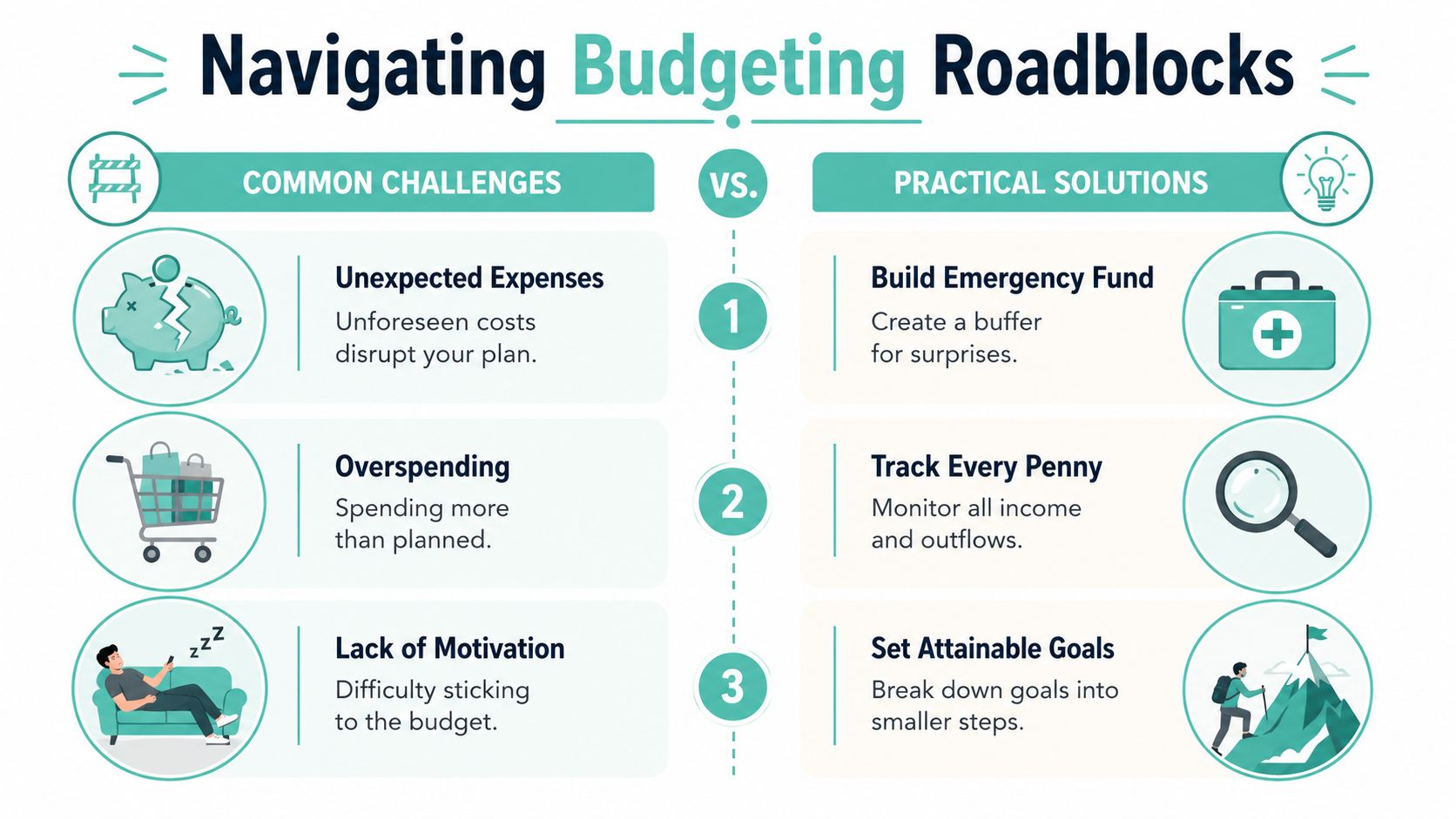
Use this recovery sequence:
- Record the full overage. Clear numbers calm people down.
- Identify the cause. Separate poor planning from a true surprise.
- Change one or two categories only. Big resets create plans that do not stick.
- Keep core bills protected. Rent, utilities, insurance, and minimum payments come first.
- Resume tracking the same day. Waiting until next month usually leads to more drift.
Debt can slow progress and make every setback feel bigger. In that case, choose a payoff method and stick with it long enough to see movement. Avalanche saves more interest. Snowball can be easier to maintain if small wins keep you consistent. The right choice depends on whether your bigger problem is math or follow-through.
One more issue shows up often with privacy-first budgeting. Manual entry can feel tedious if the system asks too much of you. Fix that by lowering the friction. Keep a short category list. Enter purchases once a day, not once a week. Use one note, one spreadsheet, or one app on your iPhone so nothing gets scattered.
Vague goals also wear people down. A budget tied to a clear outcome lasts longer. Paying off a card balance, building one month of expenses, or stopping the overdraft cycle gives each entry a purpose.
---
If you want a simple tool that matches the manual, privacy-first approach in this guide, Bottomline is one option for iPhone users. It supports manual expense entry, recurring cost tracking, budgeting, and iCloud sync without requiring bank account linking.