You've probably done this before. You pick a savings goal, open a budgeting app, get hit with account connections, category setup, notifications, and charts you didn't ask for, then close it and tell yourself you'll sort it out later.
A week passes. The goal is still real, but it's blurry. Maybe it's a vacation, an emergency fund, a new MacBook, or the down payment that keeps getting pushed into “someday.” The problem usually isn't motivation. It's friction.
A goal progress tracker works best when it's simple enough to use on an ordinary Tuesday, not just during a burst of financial energy on Sunday night. For a lot of iPhone users, that means a manual, privacy-first system that shows progress clearly and doesn't ask for bank credentials just to help you save.
Table of Contents
- Why a Simple Tracker Is Your Secret Weapon for Savings
- Why manual tracking feels different
- What works and what doesn't
- Define Your Financial Goal the SMART Way
- Turn a wish into a target
- SMART Goal Template for a Savings Target
- A quick reality check before you commit
- Break Your Main Goal into Actionable Milestones
- Use a savings pace you can repeat
- A simple breakdown formula
- What good milestones look like
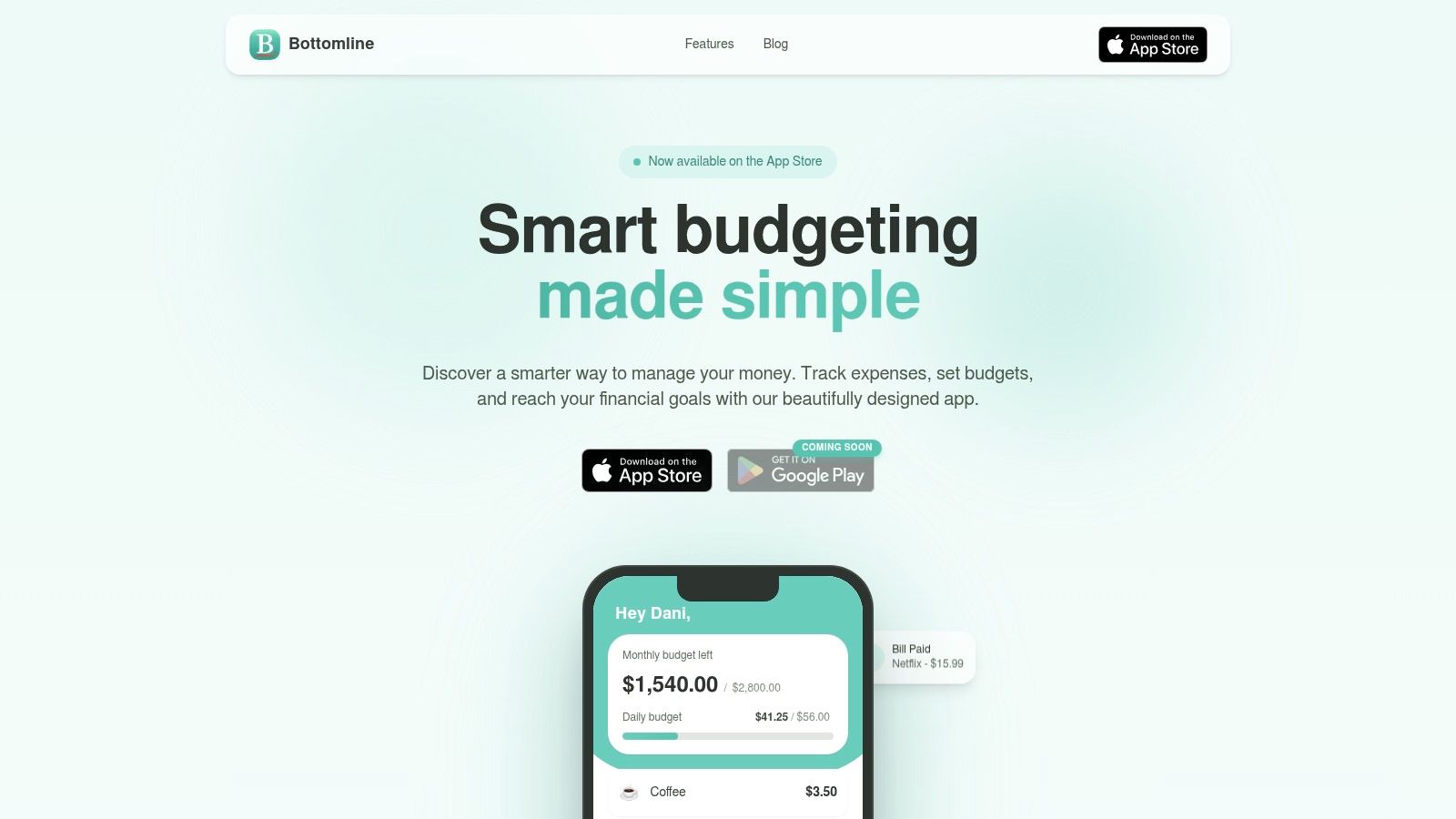
- Build Your Privacy-First Tracker in Bottomline
- Set up the goal in a few minutes
- Why manual entry works better than people expect
- Maintain Momentum with Visuals and Reminders
- Use weekly check-ins instead of constant guilt
- Make your iPhone do the nudging
- Visual feedback is part of the reward
- Final Tips for Success and Preserving Privacy
- Make progress feel rewarding
- Keep your financial life on your phone, not everywhere else
Why a Simple Tracker Is Your Secret Weapon for Savings
A larger system is not the primary need. A smaller one, consistently used, is what's truly effective.
A simple tracker is powerful because it removes the two things that usually kill savings goals: setup fatigue and passive avoidance. When the process is just “open phone, log progress, close phone,” you keep the goal in view without turning it into a side project.
I've seen the same pattern with personal finance over and over. Someone wants to save for something meaningful, but their tool tries to manage their entire financial life at once. That sounds efficient. In practice, it often creates noise. Savings goals do better when the tool is narrow and visible.
Why manual tracking feels different
Manual entry sounds old-fashioned until you use it properly. Then it starts to feel intentional.
When you type in a contribution yourself, you notice what happened. You remember that you moved money over. You connect the action to the goal. That's very different from a synced dashboard that updates in the background while you ignore it.
> Practical rule: If a tracker saves data automatically but doesn't make you pay attention, it can still fail at behavior change.
There's also the privacy angle. A lot of people are uneasy about handing over bank access for a simple savings goal, and that concern is reasonable. A manual tracker lets you keep control while still building a routine. If your broader money setup feels messy, this guide on how to organize finances is a useful companion to the tracker approach.
What works and what doesn't
Here's the trade-off in plain terms:
- What works: a clear target, fast manual updates, and a progress view you can understand in seconds.
- What doesn't: feature-heavy dashboards, too many categories, and systems that expect perfect consistency from day one.
- What matters most: reducing the effort required to re-engage after a missed check-in.
A good goal progress tracker for savings shouldn't feel impressive. It should feel easy to return to.
Define Your Financial Goal the SMART Way
“Save more money” isn't a goal. It's a good intention with nowhere to land.
A savings tracker becomes useful when the target is specific enough that you can tell whether you're on track or drifting. That's where SMART goals help. You give the goal a shape, a number, and a deadline, so the tracker has something real to measure.
Turn a wish into a target
Take “I want a new laptop.” That's emotionally clear, but financially incomplete. Turn it into something you can track:
- Specific: Are you saving for a laptop, a trip, or a cash buffer?
- Measurable: What exact amount are you aiming for?
- Achievable: Does the timeline fit your current income and spending reality?
- Relevant: Does this goal genuinely matter, or is it just nice in theory?
- Time-bound: What's the finish date?
Research from psychology experts shows that writing down your goals increases your probability of success by 42%, according to the APA summary on goal progress and written goals. That matters here because a written savings goal is easier to track, easier to review, and harder to abandon unnoticed.
A finished goal statement might look like this:
> Save for a new laptop by setting aside a fixed amount each month until I reach the target by my chosen purchase date.
That sentence is simple, but it does real work. It tells you what the money is for, what success looks like, and when you expect to get there.
SMART Goal Template for a Savings Target
| SMART Component | Question to Answer | Example: 'Save for a New Laptop' |
|---|---|---|
| Specific | What exactly am I saving for? | A new laptop for work and personal use |
| Measurable | How much money do I need? | The full purchase amount I want to save |
| Achievable | Can I realistically save this based on my budget? | Yes, by setting aside a manageable amount each month |
| Relevant | Why does this matter to me right now? | My current laptop is unreliable and slowing down work |
| Time-bound | When do I want to reach the goal? | By a specific month before I plan to buy it |
A quick reality check before you commit
A smart savings goal should feel slightly demanding, not punishing. If the monthly amount would leave you scrambling, the issue usually isn't discipline. The goal is just shaped badly.
Use this filter before you lock it in:
- Cut the fantasy version: Don't base the goal on your best month. Base it on your normal month.
- Name the sacrifice clearly: If this goal requires fewer takeout meals, fewer impulse purchases, or pausing another goal, say that out loud.
- Keep the reason visible: A relevant goal survives longer than a trendy one.
The best goal progress tracker won't rescue a vague target. It will expose it.
Break Your Main Goal into Actionable Milestones
Large savings goals usually fail in the abstract. They succeed in chunks.
A single target can feel heavy, especially if the end date is months away. Milestones solve that problem because they convert one intimidating number into a sequence of smaller wins. That makes your tracker feel alive instead of static.
A strong tracking method includes measurable milestones with target dates, tracking intervals, and progress checks against the timeline, as described in Count's guide to goal progress tracking. For savings, that means you stop asking “Can I save all of this?” and start asking “Did I hit this week's or this month's number?”
Use a savings pace you can repeat
Think in intervals, not in one finish line.
Generally, monthly milestones work best because bills and pay cycles already run on a monthly rhythm. Weekly milestones are useful when you want tighter feedback or when your income varies and you need shorter check-ins.
A good milestone should answer one question fast: what amount should already be saved by this point?
> Smaller milestones don't make the goal smaller. They make your next move obvious.
A simple breakdown formula
You don't need a complicated spreadsheet. Use a basic sequence:
- Start with the full amount you want to save.
- Count the time available until your target date.
- Divide the total by months or weeks based on how you want to track.
- Set milestone markers along the way so you can tell if you're ahead, on pace, or slipping.
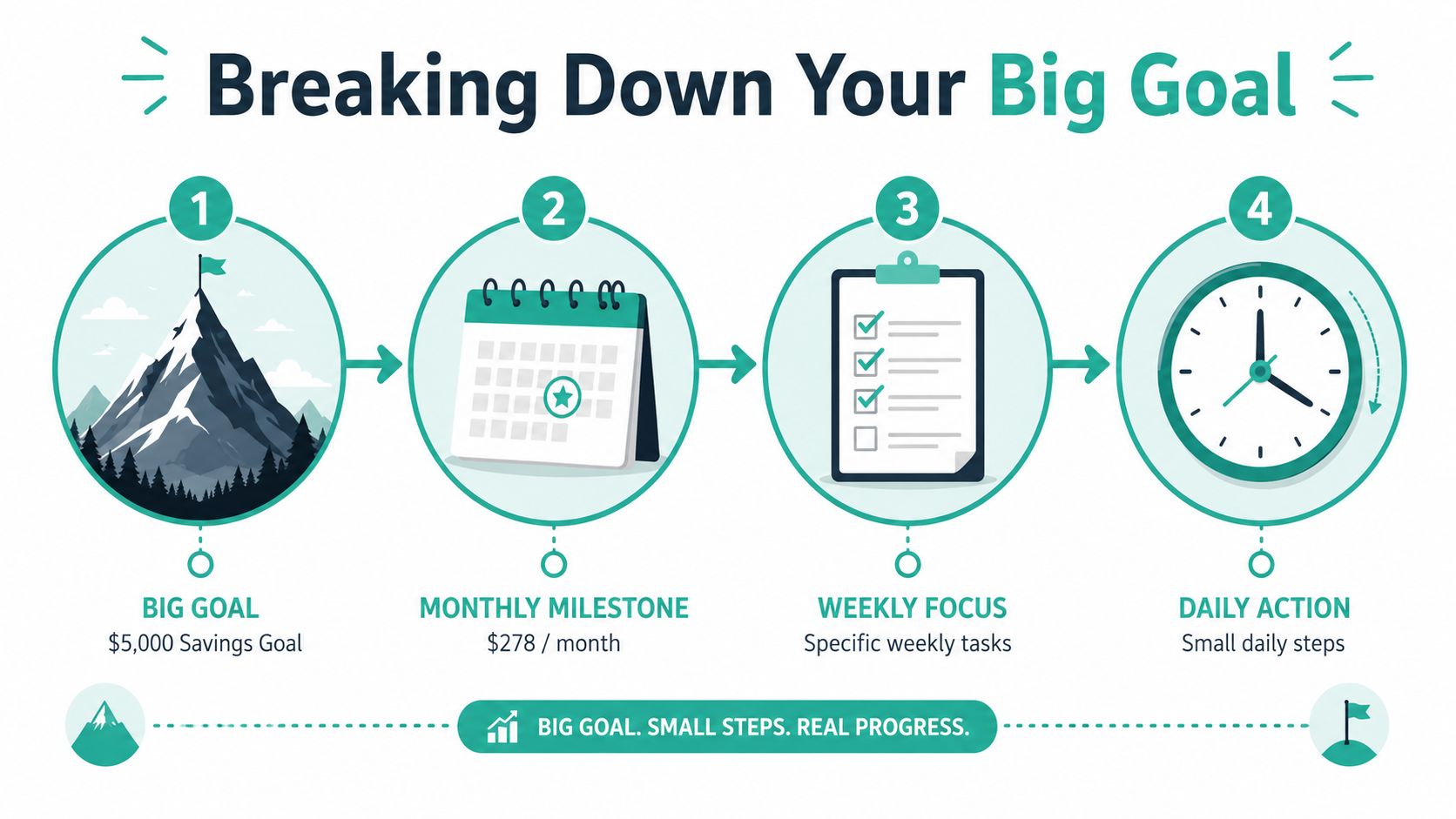
For example, if you know the total and the number of months available, divide one by the other to get a monthly target. If monthly feels too abstract, divide that monthly number into weekly contributions.
That creates a practical roadmap:
- Main goal: the full savings target
- Monthly milestone: the amount that keeps you on schedule
- Weekly focus: the small transfers or spending decisions that support the month
- Daily action: the tiny behaviors that keep money available for the goal
What good milestones look like
Strong milestones have a few traits in common:
- They're calendar-based: “By the end of this month” works better than “soon.”
- They're visible: if you can't quickly see whether you hit them, they won't help.
- They can absorb real life: some months are stronger than others, so the system should let you recover without pretending you failed permanently.
Weak milestones usually sound like “save whenever possible.” That's not a plan. It's a hope.
Build Your Privacy-First Tracker in Bottomline
Once the goal is clear and the milestones are set, the setup should be fast. If creating the tracker feels complicated, the system is already asking too much.
Behavior in the first 7 days holds greater importance than commonly understood. Research on 1.4 million users pursuing weight-loss goals in tracking apps found that behavior during the first week was highly predictive of long-term success, and the predictive model reached 79% ROC AUC in forecasting outcomes, according to the study on early tracking patterns and goal achievement. Different domain, same lesson. Early engagement shapes follow-through.
Set up the goal in a few minutes
A simple setup is usually enough:
- Create a new goal and name it after the actual outcome, not something generic. “Laptop fund” is better than “Savings.”
- Enter the target amount based on the SMART goal you already wrote down.
- Set your target date so the timeline has a finish line.
- Add the first contribution immediately, even if it's small. The first entry matters because it turns the goal from planned to active.
- Check the progress view so you can see the gap between where you are and where you want to be.
That's it. No account linking. No transaction import cleanup. No guessing whether a bank sync categorized something correctly.
If you like the discipline of entering money movements yourself, this walkthrough of a manual expense tracker for iPhone pairs well with a savings tracker because the same habit supports both awareness and control.
Why manual entry works better than people expect
Manual systems have one obvious downside. You have to remember to use them.
But they also have a major advantage. They force a moment of attention. When you log a savings contribution yourself, you confirm the action and reinforce the habit. That tiny pause is often the whole point.
Here are the trade-offs plainly:
| Approach | Strength | Weakness |
|---|---|---|
| Manual entry | High awareness and privacy | Requires regular check-ins |
| Bank-linked automation | Lower effort after setup | Less intentional, more data sharing |
| Complex budgeting suites | Broad financial coverage | Easy to avoid if the interface feels heavy |
The best setup is the one you won't dodge. For many people, a lean goal progress tracker on iPhone beats a smarter-looking system they stop opening after a week.
Maintain Momentum with Visuals and Reminders
A tracker only helps if you keep returning to it. Savings goals don't usually collapse because the math was wrong. They collapse because the goal disappears into everyday spending.
Visual progress matters. When you can see movement, even modest movement, the goal stops feeling theoretical. It starts feeling active.
Use weekly check-ins instead of constant guilt
Daily guilt is useless. Weekly review is effective.
According to goal-setting statistics, people who set time-bound goals and report their progress weekly are 40% more likely to succeed than those who don't follow that routine, as summarized in Mooncamp's goal-setting statistics roundup. For savings, that doesn't mean a dramatic review session. It can be a five-minute check every Sunday evening.
A good weekly check-in answers three things:
- Did I add money to the goal this week?
- Am I roughly on pace for this month's milestone?
- Do I need to adjust spending this week to stay aligned?
> The tracker doesn't need to motivate you every day. It needs to stop you from drifting for a month without noticing.
Make your iPhone do the nudging
Your reminder system should live where you already pay attention. Often, this means Apple Reminders or Calendar.
Set one recurring weekly reminder with plain language. “Update laptop savings goal” works better than “Finance review.” It's specific, and it reduces the mental work needed to respond.
If you want to make the habit easier, pair the reminder with an existing routine:
- After payday: log the transfer right after income lands.
- During weekly planning: update the tracker when you check your calendar for the week.
- After reviewing spending: if you already track expenses, update savings in the same session.
For people who want a low-friction money routine overall, this article on tracking spending without thinking about it is useful because it focuses on habits that don't require constant mental effort.
Visual feedback is part of the reward
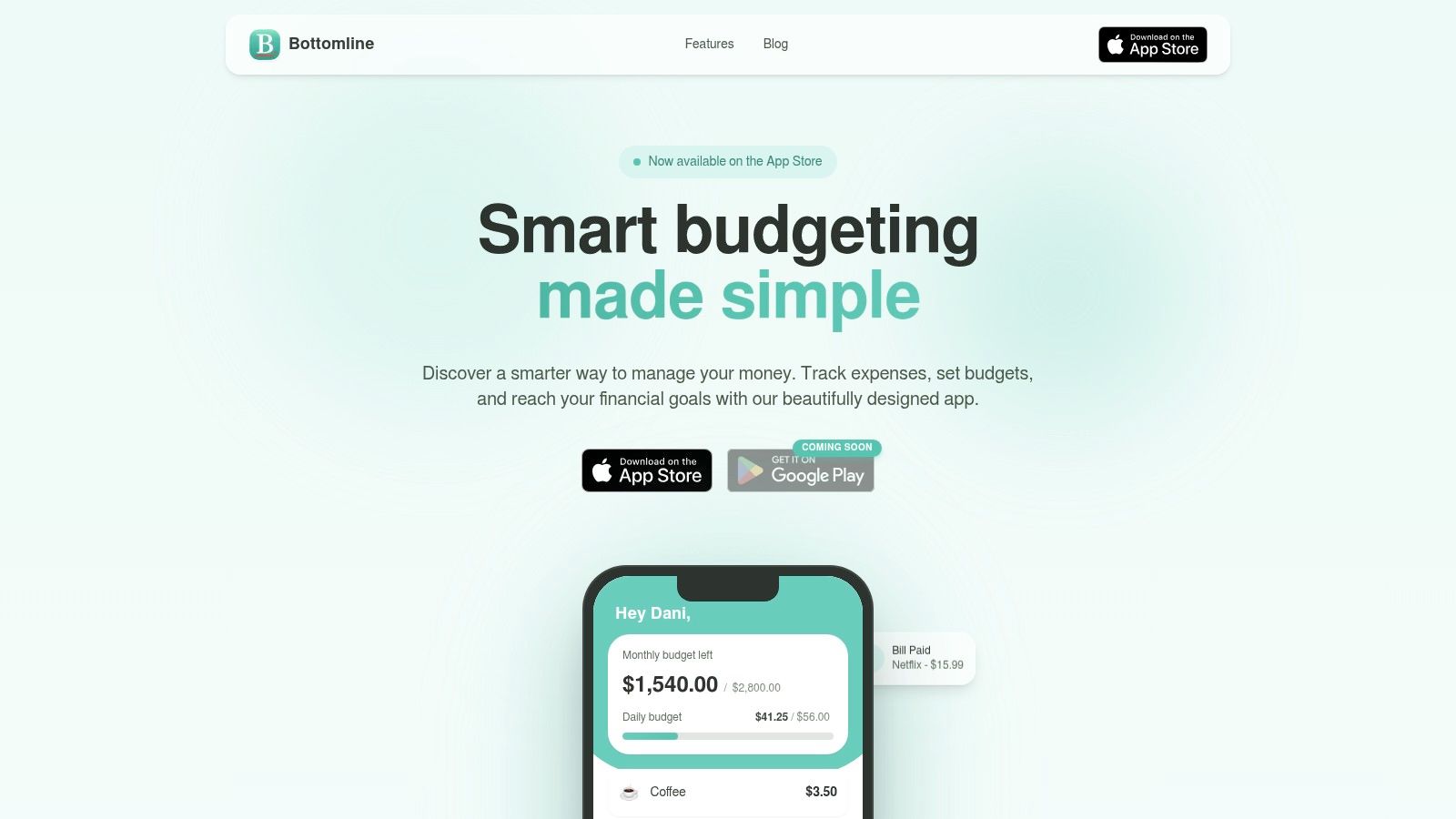
A progress bar sounds minor until you've watched it move over several weeks. Then it becomes evidence.
That matters because savings can feel invisible in the early phase. You're often saying no to purchases now for a benefit later. A visual tracker shortens that psychological distance. It gives you something concrete to look at while the money accumulates in the background.
Final Tips for Success and Preserving Privacy
Good tracking systems do two jobs at once. They help you save, and they protect you from overcomplicating your financial life.
A lot of advice in this space is built for teams, corporate goal systems, or highly structured performance environments. Personal savings works differently. You need a method that feels light enough for everyday use and strong enough to survive normal lapses.
Analysis of goal-tracking content points to a gap around gamified micro-milestones for non-professional goals, especially the kind of “small wins” structure that supports personal habit formation, according to this analysis of goal-tracking content and gamified micro-milestones. That gap is exactly where simple manual trackers can shine.
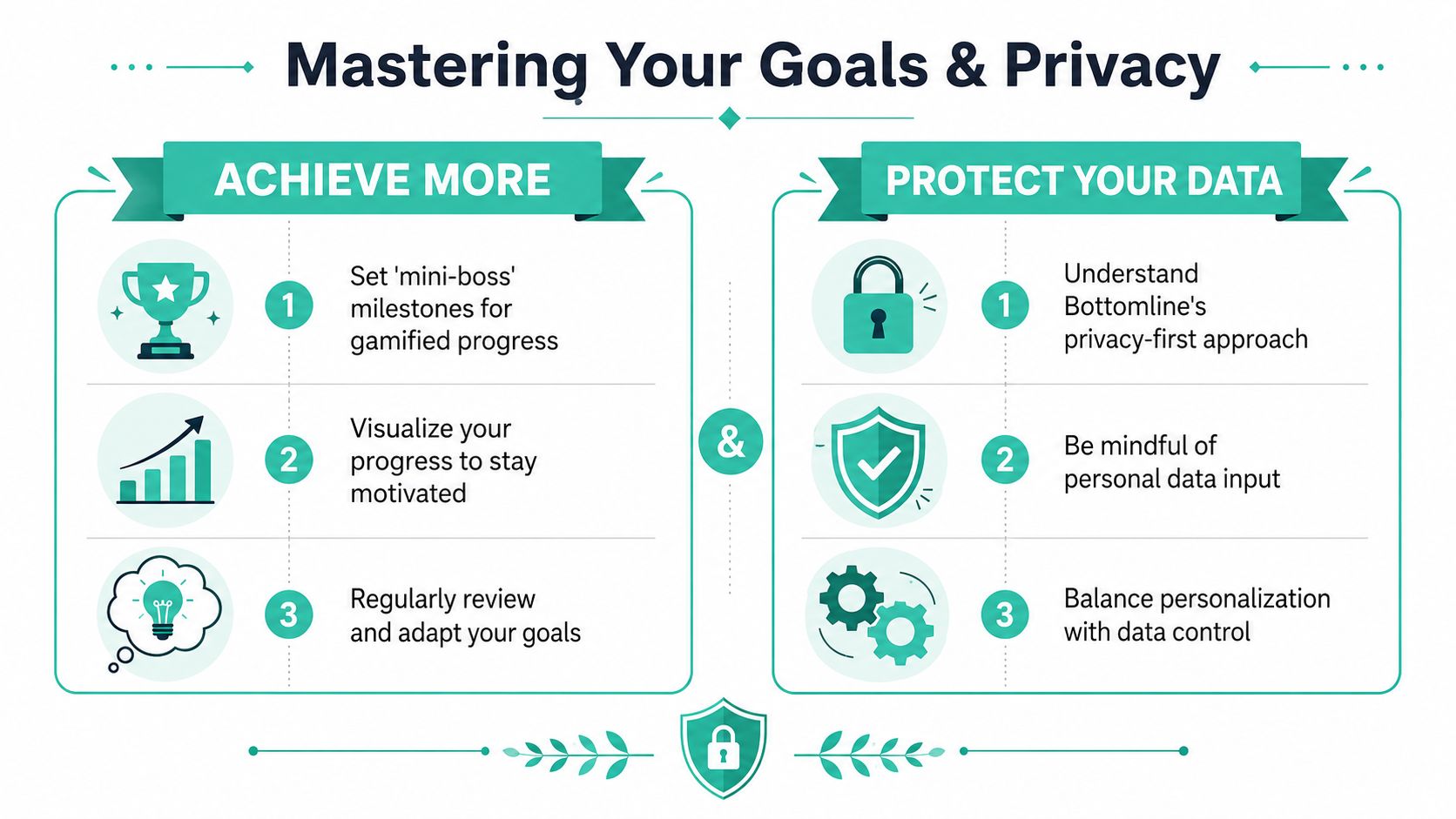
Make progress feel rewarding
You don't need a complicated game layer to make saving more engaging. Small rewards work well when they're tied to meaningful milestones.
Try this approach:
- Create mini-boss milestones: pick a few checkpoints between start and finish, then attach a small, low-cost reward to each one.
- Use visible labels: name milestones in a way that feels real, such as “first month fully funded” or “halfway there.”
- Review and adjust: if a milestone repeatedly gets missed, change the pace before frustration becomes avoidance.
Keep your financial life on your phone, not everywhere else
Privacy isn't a side benefit. For many people, it's the deciding factor.
A manual, privacy-first tracker gives you tighter control over what gets recorded and shared. You enter what matters. You keep unnecessary account access out of the process. You reduce the chance that a simple savings goal turns into another data-sharing arrangement you didn't really need.
That's also why simplicity matters. A lower-cognitive-load tool is easier to maintain, easier to trust, and easier to reopen after a messy month.
If you want a goal progress tracker that respects both your attention and your privacy, the simple option is often the modern option.
---
If you want a clean, privacy-first way to track savings goals on iPhone, Bottomline is worth a look. It keeps the process manual, simple, and focused, which is exactly what many financial goals need to stay visible long enough to become real.